How to watch movies together online with family far away
Distance makes the family movie night harder, not impossible. Here's a setup simple enough for grandparents, ideas for films that work across ages, and a few habits that keep the kids coming back.

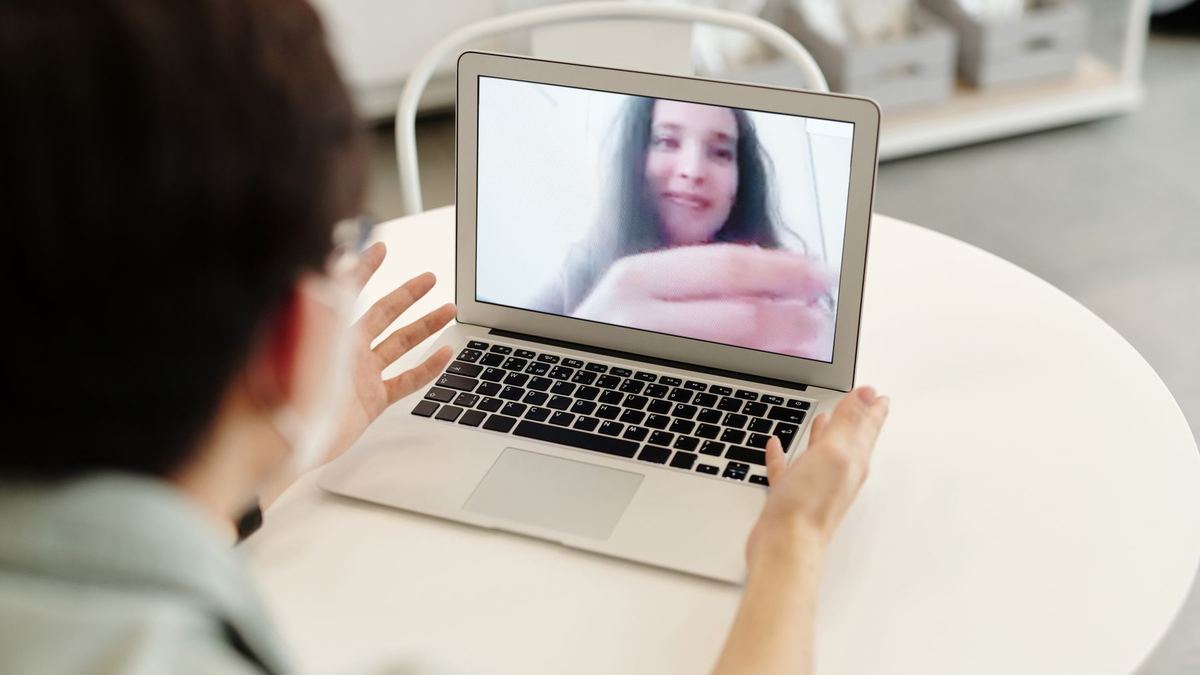
Families scatter. Kids move away for university, grandparents stay in the town where everyone grew up, cousins end up in different countries. The weekly movie night doesn't have to go with them. You can watch movies together online from different houses and still have everyone laugh at the same moment, as long as the setup is simple enough for the least techy person in the family.
This guide covers how to do that, which films work for a mixed-age audience, and how to turn one call into a habit.
What each household needs
One computer per household is enough. The family can sit around a laptop on the couch, or connect it to the TV with an HDMI cable for a bigger picture.
That computer needs Chrome, because Watchbear is a Chrome extension. Someone in each household needs a Google account to sign in. Most people already have one through Gmail or an Android phone, which saves a step.
Each household also needs access to the film. Everyone plays it from their own browser, so a film on YouTube or Vimeo costs nothing, while a film on a streaming service needs a login in every house. If family members live in different countries, check that the film is available in all of them, because streaming catalogs vary from one country to the next.
Set it up for less techy relatives
The first movie night should not also be the first time grandma sees the extension. Do a practice run.
Do a five-minute rehearsal
Pick a weekday, call your relatives, and install Watchbear from the Chrome Web Store together. Pin it to the toolbar so the bear icon is always visible. Then send them an invite link to a short YouTube video and watch it together. Once they've joined a room once, the real night is easy.
Send the link the same way every time
Use the same family group chat for every movie night, so nobody has to hunt for the link. The invite link opens the right video and puts them straight into the room. If someone opens it on a computer without Watchbear, the invite page tells them to install it first.
Write the steps down
For relatives who like instructions, three lines on a sticky note next to the computer go a long way: open the link from the family chat, follow the button to the video, sign in with Google if it asks.
Tip: anyone in the room can pause, and every screen pauses with them. Tell grandpa that's fine. If he needs a cup of tea, he presses pause and the whole family waits.
Pick films that work across ages
The trick with a mixed-age audience is finding something the adults actually enjoy and the kids don't get bored of. A few reliable options:
- Animated films that work on two levels, with jokes the kids enjoy and jokes the adults catch.
- A film the grandparents loved when they were young. They get to share something, and everyone else gets a bit of family history.
- A film the parents watched as kids. Rewatches spark stories you've never heard before.
- Nature documentaries, which hold attention across ages and give the kids plenty to ask about.
For small children, keep it under 100 minutes and pick an earlier start time. Check the age rating before you commit, especially if cousins of different ages are watching.
Subtitles help when relatives are hard of hearing or speak a different first language. Each person controls their own player, so one household can turn subtitles on without changing anything for the others.
Talk while you watch
Chat and emoji reactions sit in a side panel next to the film. Kids who can't type fast can still send a laughing face at the right moment, and the reactions show up for everyone.
For many families the best part is seeing each other. Watchbear has voice and video chat built in for up to 8 people at once, with video tiles in the side panel beside the film rather than on top of it. Cameras start off every time someone joins, so nobody is on screen until they choose to be. The audio and video go directly between the people in the room.
If a household uses laptop speakers instead of headphones, their microphone will pick up the film. The fix is easy: stay muted during the film and unmute to talk. Speaking indicators show who's talking, which helps when three households chime in at once.
Turn it into a family tradition
A movie night only becomes a tradition if it happens again. A few ideas that help:
- Fix the slot. The first Sunday of the month, or every Friday at 7pm in the grandparents' time zone. A regular time means no back-and-forth planning.
- Rotate the picker between households. Each one gets a turn, and the kids get very serious about it.
- Match the snacks. Everyone makes popcorn, or everyone orders pizza. It's a small thing that makes separate living rooms feel like one.
- Let the birthday person choose. A birthday movie night is a good way to include relatives who can't travel for the party.
- Keep a family film log. One shared note with every film, the date and a score out of 10 from each household. After a year it's a nice thing to look back on.
Our list of long-distance movie night ideas has more themes to borrow, and if the kids get restless halfway through, a round of watch party games like movie bingo can rescue the evening.
If something goes wrong
Most problems on family nights come from someone being on the wrong page or a video that buffered. Skip back a few seconds: a skip moves every player in the room, so everyone lands on the same frame again. If one household is still off, ask them to reload the page and open the invite link again. Our guide to hosting an online watch party covers a few more fixes for the first night.
Common questions
Can grandparents join an online watch party without an account?
They need a Google account to sign in. Many people already have one through Gmail or an Android phone, and setting one up together on a call only takes a few minutes.
Can we watch on the TV instead of a laptop?
Watchbear runs in Chrome on a laptop or desktop. To put the film on a bigger screen, connect the laptop to the TV with an HDMI cable.
Does every household need its own streaming subscription?
Yes. Each household plays the film from its own account, so everyone needs access to whatever you're watching. Free sites like YouTube and Vimeo don't need a subscription.