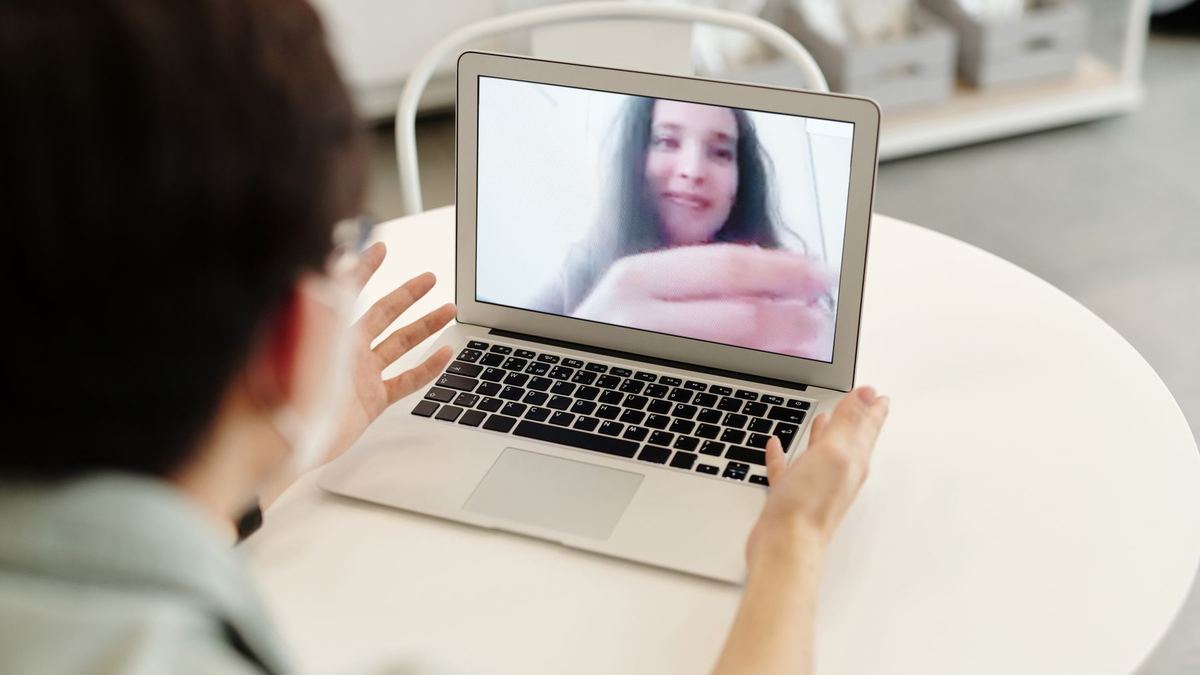
How to watch movies together long distance, from setup to start time
The film is the easy part. Time zones, different streaming catalogs and a series you keep restarting are what make long-distance movie nights hard. Here is a setup that handles all three.

Watching a movie together long distance means two players, two internet connections and often two time zones. The film itself is the easy part. The hard parts are getting both of you to the same scene at the same moment, keeping it that way for two hours, and doing it again next week without a planning session.
This guide is about that setup. If you want ideas for the evening itself, like themes, food and games, our list of long-distance movie night ideas covers those.
What you need
- A computer each, with Chrome. Watchbear is a Chrome extension for laptops and desktops. Phones and tablets can't join a room.
- A Google account each. That is how you sign in. There is no separate account to make.
- Access to the film for both of you. Each person streams the film from their own account, so you both need to be able to open it. A free video on YouTube or Vimeo works for anyone.
- Headphones. If you talk during the film, your microphone will otherwise pick up the sound and send it back to the other person a moment late.
Why screen sharing is the wrong tool for this
The first thing most couples try is a video call where one person shares their screen. It works for a few minutes. Then the picture turns soft, fast scenes break up, and on Netflix the shared window often goes black because of copy protection. The person sharing also carries the whole stream on their upload speed, which is usually the slowest part of a home connection.
A sync extension avoids all of that. Each of you plays the film at full quality on your own screen, and the extension keeps the two players on the same second. Pause on one side and it pauses on both. We compare the options side by side in how to watch movies together online.
Setting it up the first time
1. Install Watchbear and sign in
Add Watchbear from the Chrome Web Store, pin the bear to the toolbar, and sign in with Google. Both of you do this once.
2. Start a party on the film
One of you opens the film, clicks the bear and chooses Start a party with this video. The room opens in Chrome's side panel next to the player.
3. Send the invite link
Send the invite link in your usual chat. When the other person opens it, they land on the same film in the same room.
4. Add each other as friends
In the room, use Add friend on the other person. Once you are friends, you can invite each other straight from Watchbear next time, and plan movie nights ahead.
5. Press play and turn on your cameras if you like
Voice and video chat are built in and free. Cameras start off every time you join, and the video tiles sit beside the film, not over it. Some couples keep cameras on for the first few minutes and the credits, and switch to voice for the film.
Time zones and start times
The most common way a long-distance movie night fails is a mix-up over what "nine o'clock" means. Watchbear has a planner for this.
Open the Movie nights section, choose Plan a movie night, pick the friend and a date and time, and attach the video if you already know what you're watching. You can plan up to 30 days ahead. The other person sees the plan in their Watchbear, and the card shows the start time on each person's own clock, so nobody has to do time zone sums.
Turn on Remind me and Chrome shows a desktop notification ten minutes before the start and again when it starts. There is also an Add to calendar button if you live in your calendar. When it's time, one of you presses Start now. Watchbear opens the attached video, starts the room and sends the other person an invite they can join from the same card.
Different countries, different catalogs
Streaming libraries differ by country. If you live in different countries, the film one of you picked may not exist on the other's Netflix at all, or only with different subtitles. Search for the title on both accounts before the night, not five minutes before.
When the catalogs don't overlap, free videos work everywhere they are published: films and series on official YouTube channels, short films on Vimeo, or anything else with a standard video player that both of you can open.
Watching a series across many nights
Long-distance couples often follow a series together, and the problem there is memory: which episode, and where in it. Two features help.
- Follow the host's video. Set it to Auto in the side panel, and when one of you moves to the next episode, the other tab moves too.
- Pick up where you left off. Watchbear remembers the last thing you watched with someone and where you stopped. The next time you open the popup, one tap starts a new party at the same spot, and you get an invite link to send. The position is stored only in your own browser.
Agree on one rule for watching ahead. The easy one is that nobody does.
When something goes wrong
One of you is a little ahead
Skip back a few seconds. Skips move both players, so you land on the same frame. If it keeps happening, the person drifting can reload the page and open the invite link again.
The call is choppy but the film is fine
That is the call adjusting to your connections. Watchbear lowers camera quality first so the film keeps playing smoothly. Turning cameras off and staying on voice frees up more of the connection.
The film won't play for one of you
Usually a catalog or subscription difference. Pick something you can both open.
Common questions
What is the best way to watch movies together long distance?
Give each person their own player and keep the players in sync with a watch party extension, with a voice or video call beside the film. Screen sharing a movie over a call compresses the picture, and on copy-protected services like Netflix it often shows a black screen.
Can a long-distance couple watch Netflix together for free?
The sync and the video chat can be free. Watchbear costs nothing and needs a Google account. Each of you still needs a Netflix account that can play the title, because each person streams it from their own account.
How do we watch a movie together if we live in different countries?
Check that the film exists in both catalogs before the night, because streaming libraries differ by country. Then agree on a start time in both local times. Watchbear's movie night planner shows the start time on each person's own clock and sends both of you a reminder.
Can we watch movies together long distance on our phones?
Not with Watchbear, which runs in Chrome on a laptop or desktop computer only. Both of you need a computer.