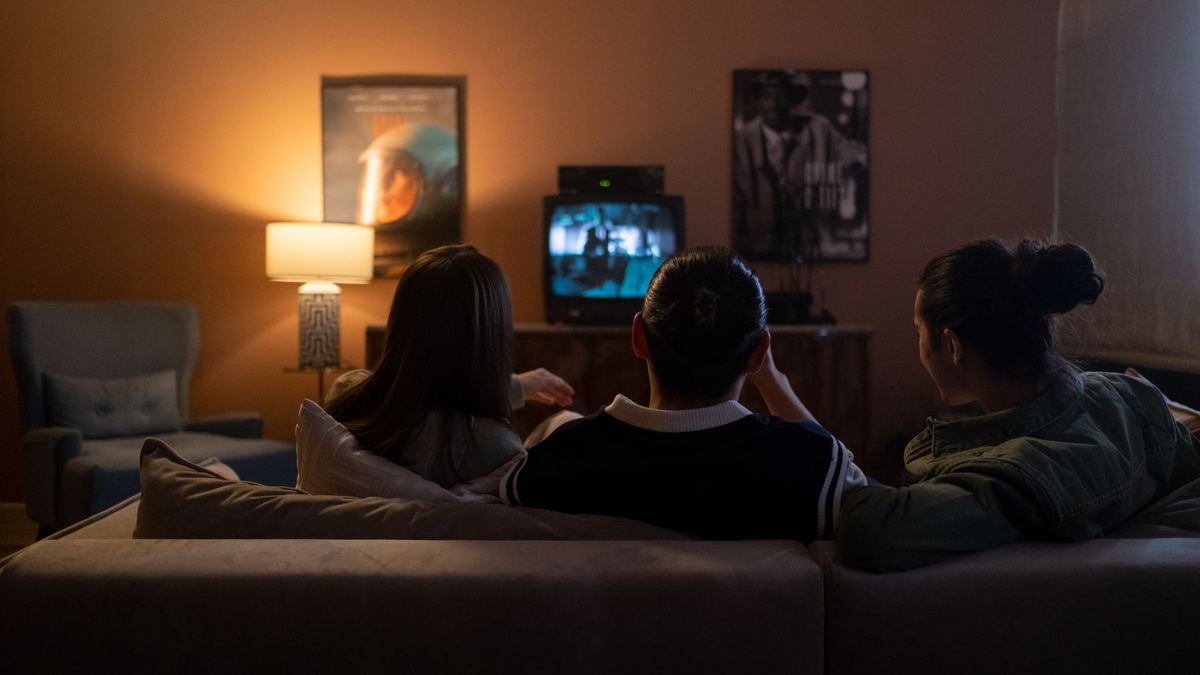
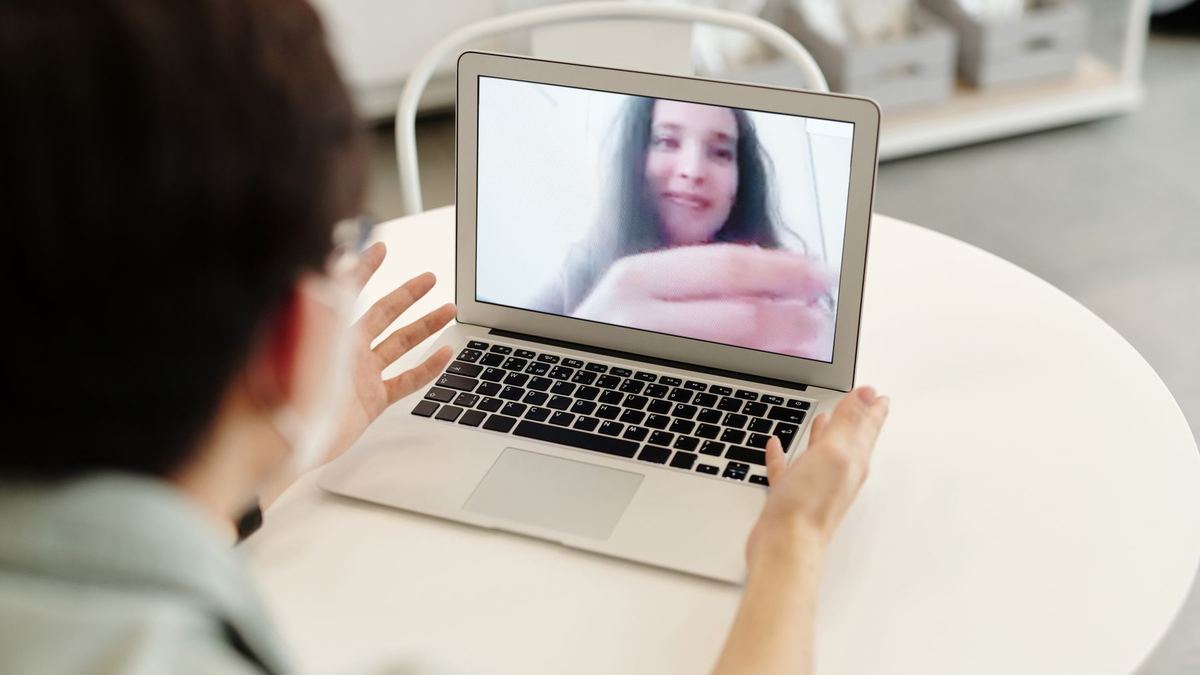
How to watch YouTube together with friends online
You can share your screen on a call, or you can give everyone their own player and keep those players in sync. Here's how the options compare, and how to set up the synced kind in about a minute.

YouTube is the easiest place to start a watch party. It's free, everyone already knows how it works, and there's something for any kind of night, whether that's a two-hour video essay or a playlist of music videos you haven't thought about since school.
The hard part is getting everyone on the same second and keeping them there.
Three ways to watch YouTube together
Send the link and count down
Free, with no setup at all. It also falls apart the first time someone pauses, buffers or gets an ad. After that, people drift apart by a few seconds at a time, and you only notice when someone laughs at a joke you haven't heard yet.
Share your screen on a video call
Everyone watches the same picture, which solves the timing. The cost is quality. Video calls compress the shared screen hard, so the video looks soft, motion stutters and the audio can lag. The host's internet connection carries the stream for everybody, and nobody else can pause or rewind.
Use a watch party extension
Each person watches on youtube.com in their own browser, at whatever quality their connection handles. The extension keeps the players together: when anyone plays, pauses or skips, every other player does the same. This is how Watchbear works, and it's the option the rest of this guide sets up.
How to watch YouTube together with Watchbear
- Install Watchbear from the Chrome Web Store. Your friends need it too, but the invite link walks them through it.
- Open the YouTube video you want to watch.
- Click the bear icon. The side panel opens next to YouTube with your room ready.
- Copy the invite link and send it to your friends. It opens the same video for them and puts them in the room.
- Press play. From here, anyone in the room can play, pause or skip, and everyone's video follows.
The chat sits in Chrome's side panel, beside the page rather than on top of the video. Switch YouTube to theater mode and you get a bigger picture with the conversation still in view.
Watching more than one video? Ask everyone to set "Follow the host's video" to Auto in the panel. When the host opens the next video, their tabs switch to it on their own.
What to watch together on YouTube
- A music video round. Everyone sends two picks in the chat, the host plays them in order, and the room votes on a winner.
- A long video essay or documentary that nobody would finish alone.
- Replays of an old match before the next one, with commentary from the group chat.
- Lectures or conference talks with a study group. Pause whenever someone has a question.
- A cooking video, followed by everyone attempting the recipe on a video call.
- A trailer night before a big release, so everyone can place their bets.
Tips for a YouTube watch party
Ads are the most common hiccup. Guests without YouTube Premium may get them at different moments, so whoever sees one says so in the chat and the room waits a few seconds.
Quality is personal. Each person picks their own resolution, so a friend on a weak connection can drop to 480p without making the video worse for anyone else.
Age-restricted and members-only videos need every guest to have access on their own account. If one person can't open the video normally, they won't be able to watch it in the room either.
Common questions
Is it free to watch YouTube together with Watchbear?
Yes. Watchbear is free, and everyone signs in with their own Google account. YouTube itself is free with ads.
Does everyone need YouTube Premium?
No. Premium only removes ads. Guests without it may get ads at different moments, so pause for a few seconds when that happens.
Can we watch YouTube together on a phone?
Watchbear runs in Chrome on a laptop or desktop, so everyone in the room needs a computer.
How many people can join a YouTube watch party?
A room holds up to 50 people. For a big group, our guide to hosting an online watch party has a few tips on keeping things manageable.